

UPDATE! As of Wednesday, August 19, the beta is live! Go here to learn more and try it out!
The team behind Roll20’s VTT has been working hard this year to minimize as much GM frustration as possible, and today, we’re happy to officially announce that work is underway on one of the most requested fixes from the community: getting your map grid to actually match Roll20’s!
If you’ve ever placed a pre-gridded map onto a VTT page and had to manually align the grid to the tabletop, you probably know that the existing tool doesn’t always cut it. Heck, we also feel the pain in our personal games, which is why this project is high on our list of improvements now that the VTT rebuild made it easier to develop new features.
Getting your map ready to play shouldn’t feel like a chore or stand in the way between you and your game.
The Current Process
Today, aligning a map with a grid to the tabletop grid takes several manual steps and has a less-than-stellar success rate. Zoom to 150%, right-click the image and choose Advanced, then Align to Grid. Trace a 3×3 box over the map’s existing grid (by hand), then potentially hold Alt and nudge the map into place, or turn off grid snapping to manually move the map, maybe stretching it with scaling transformers… or trying to inputting different widths and heights in the dimension setting window until the lines (hopefully) match up, sometiemes warping your map along the way or leaving strips of unused canvas on the sides. It isn’t fun, and hex maps have their own steps. Those with irregular edges often need extra workarounds to even get close.
The tool eventually works most of the time, but it asks a lot of GMs (especially new ones!), and we’d rather you spend your time on Roll20 doing things you enjoy.
Community Involvement

If you’re on our Community Discord Server, you might have attended one of our “Lab Sessions”, where we share early designs, prototypes, and ideas about new features with the community for early feedback. The response from our recent session about Align to grid resulted in feedback very similar to what we’ve seen on socials and in our community spaces over the years.
Paraphrased:
- Align to grid = click, drag, and pray
- Half the time I still end up with two grids overlapping each other
- Some maps just won’t line up no matter what I do
- I usually turn the grid opacity down so my players don’t notice
A Brand New Workflow
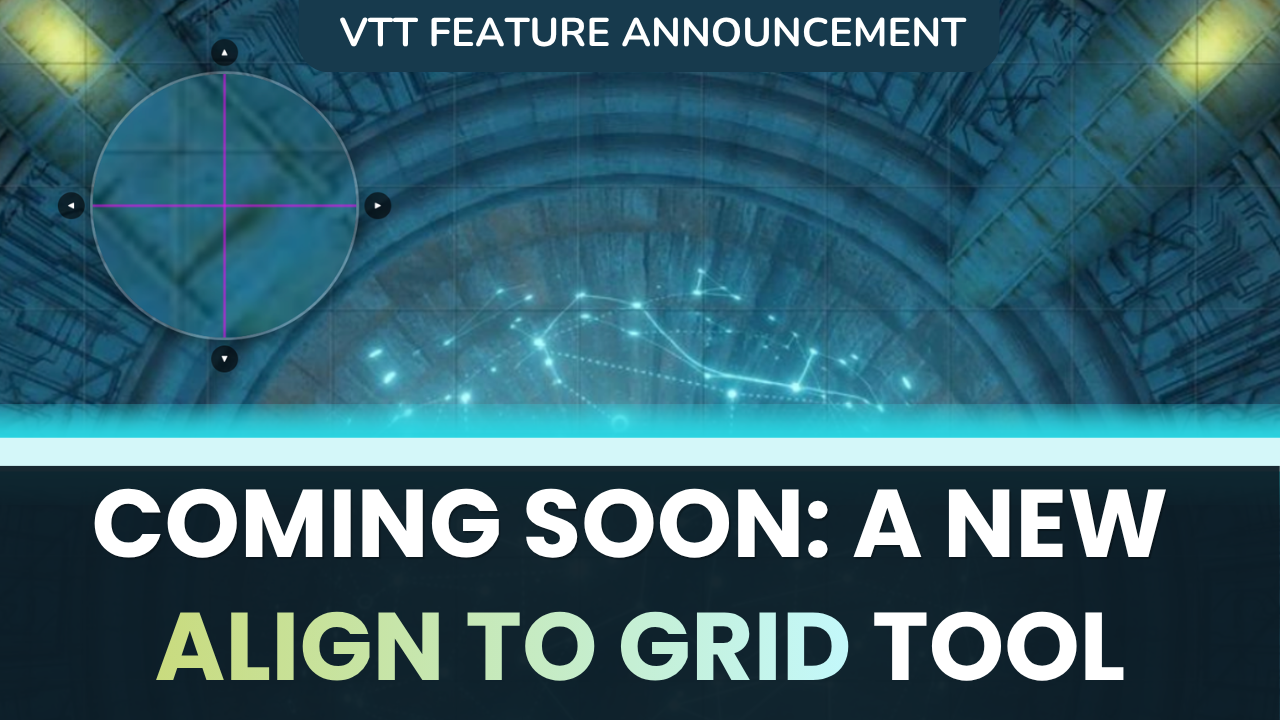
We’re building a simpler, three-step Align to Grid experience that takes the guesswork out of the job at hand. The new tool features more visual access to manual alignment points, precise control over independent axes to ensure precision during alignment, and handling for maps that includes offset grids, since we know you can’t always control how a creator or illustrator designs their maps.
We’re also working to incorporate on-the-fly adjustments to the page itself in the new tool interface, so you can fine-tune your entire page without navigating to a completely different part of the tabletop.
What This Means for GMs
When this launches, GMs will be able to line up a map in a few guided steps instead of a frustrating loop of trial and error. Non-standard-sized or slightly cropped maps should still work in your games, and you’ll be able to make quick tweaks in seconds so you can focus on more creative aspects of your campaign prep.
While we’re still in active development, we’re working quickly and are very excited about the feedback we’ve received from the Discord Lab, interviews, internal reviews, and sessions with our dedicated team of Forum Champions. We’ll have our design team share more about their process (and some sneak peek designs) soon! Keep your feedback coming, and let us know whether this tool will have an impact on your games!
The artwork used on our thumbnail is a map called Alien Nav Room from Moonlight Maps Sci-Fi.