
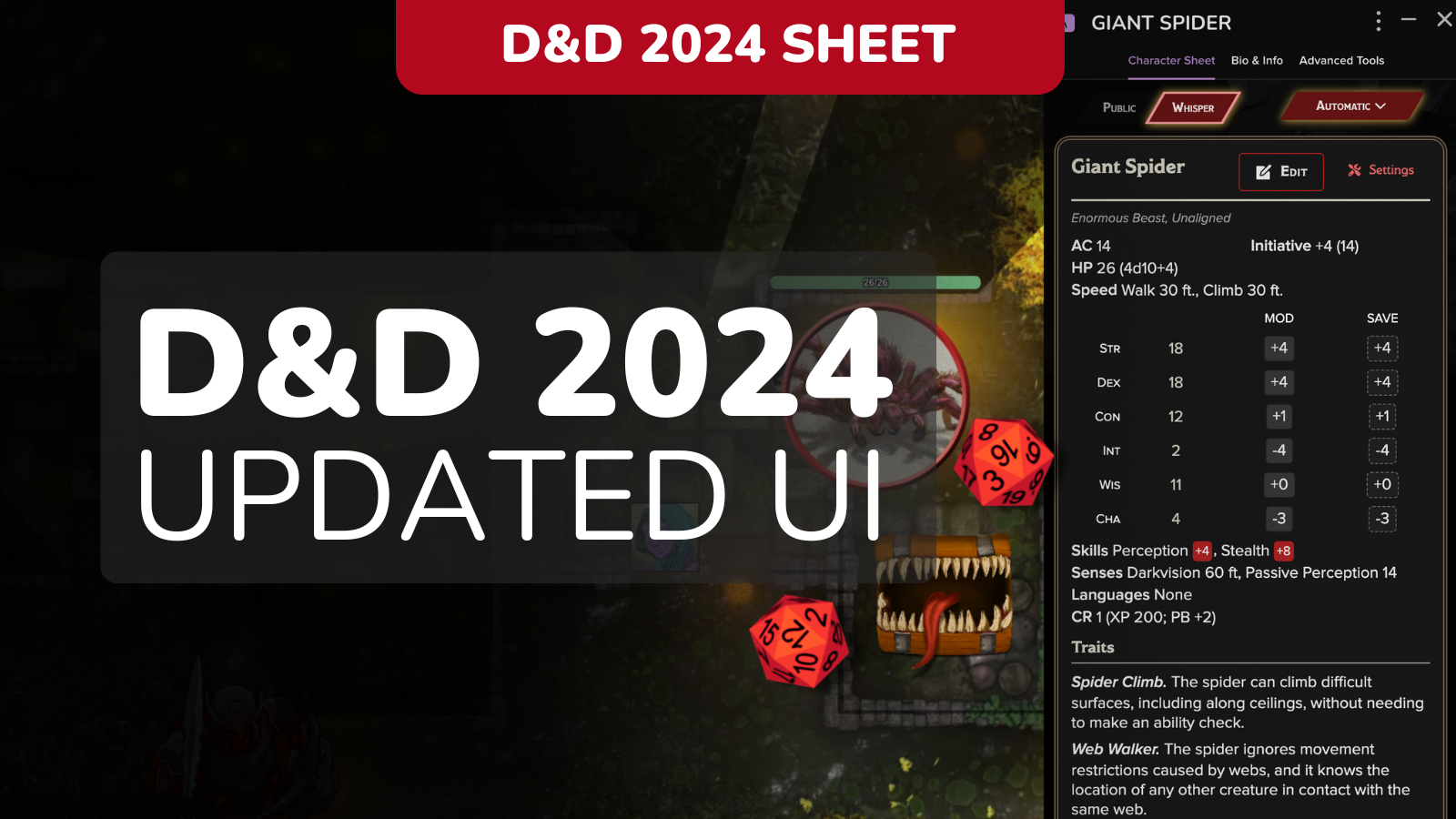

Hey all! Two updates for you today: PC Sheet Improvements, and NPC Stat Block is now default. Read below for more info!
PC Sheet Improvements
We’ve given the PC sheet a glow up so you can find things more quickly, and look good doing it!


- 🔍 Search Bar. Find any action or item quickly.
- ⬇️ Expand / Collapse. Control how much detail shows up, especially in Combat tabs where you want info without clutter.
- 🎲 Improved Roll Templates. Your rolls sent to chat have improved designs. Coming soon, attack + damage combined!
- ✏️ Smarter Icons. Clearer edit buttons, better “send to chat” placement.
- 🧙♀️ Spell List View Default. Spell List View is now the default, with navigation improvements for casters.
Roll Template <– Old / New –>

Stat Block View is the new NPC Default
Why the Change?
We’ve been talking to customers and watching conversations for a while on this topic. Here’s our biggest takeaways:
- It’s an easier transition. Stat Block mirrors what most GMs are already used to (both from the books and from the 2014 sheet), so upgrading to the 2024 sheet feels more familiar.
- Saves space. GM’s, we’ve heard your complaints about screen real estate! Stat Block view keeps GM screens simpler, especially when managing multiple NPCs.
- It’s what customers overwhelmingly voted for. In every poll we’ve run, Stat Block came out on top as the default choice. We wanted to be 100% certain of this move, so we ran polls across all our outlets:

You Can Still Use Compact View!
Don’t worry, this doesn’t lock you in. You have full control over how your game functions. You can still:
- Change view per sheet. In Manage, you can set each NPC to whichever view you prefer. There’s many GMs that like Compact view for boss encounters where only 1 NPC is in play, as well as for sidekicks for players.

- Set global defaults. If you want every new NPC sheet to open to one view or the other, head to the right-bar settings, Character Sheets, and pick the layout you want for all new NPCs.

This change should make things easier right out of the gate, while still letting you fine-tune how you run your game. Let us know how it feels in your next session! See our complete D&D sheet roadmap here!