
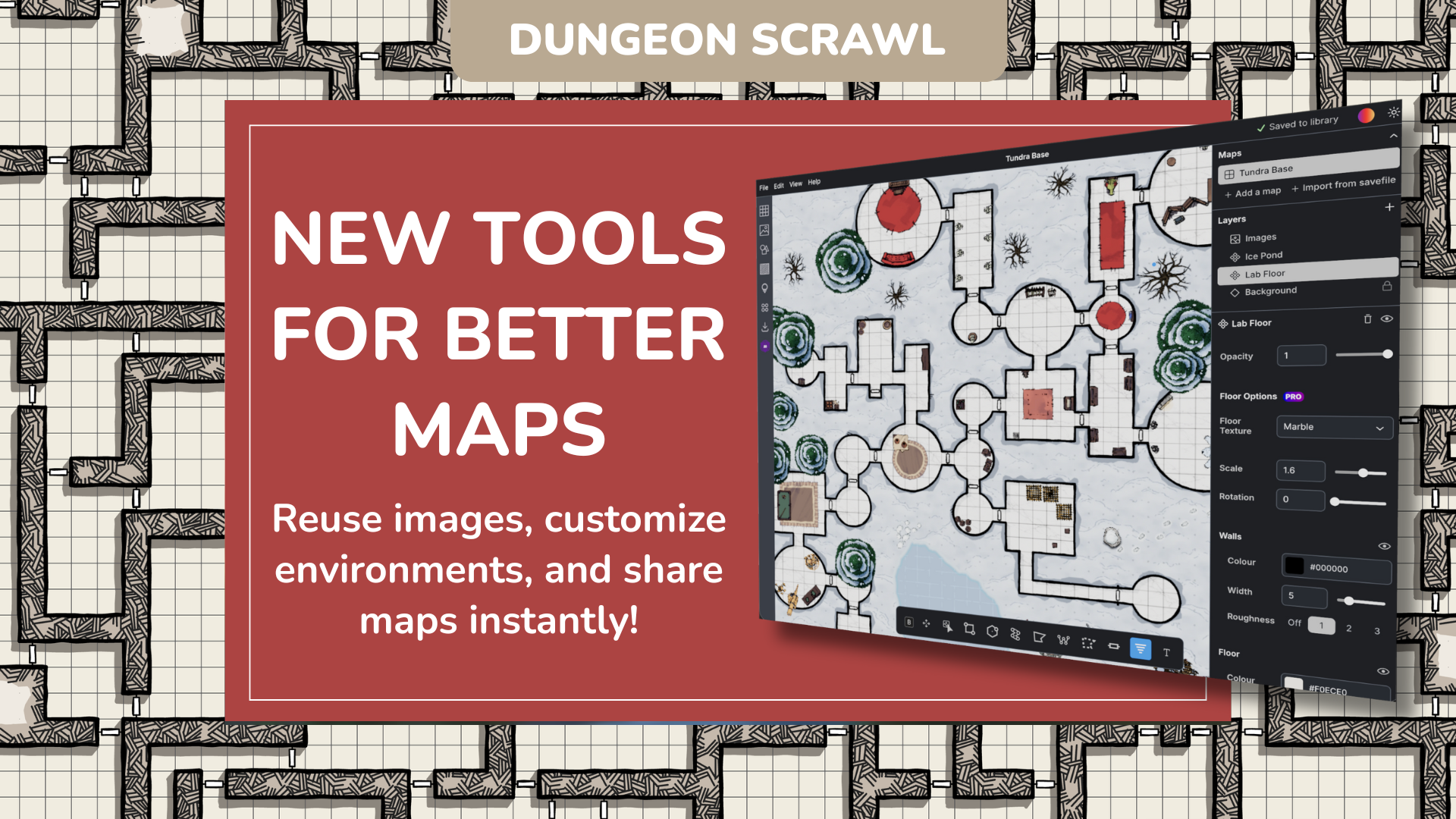

Dungeon Scrawl helps connect your ideas to the table with as little friction as possible, and today, we’re making it even easier to manage images, customize the look and feel of your maps, and share your creations with others!
Favorites
Adding images to your maps helps bring them to life to better match your imagination. Based on community requests, we’re definitely going to be adding even more free options to the in-app library soon! In the meantime, we’ve made it easier to manage images so you can spend less time scrolling and more time creating.
Favorites let you easily find and reuse images across maps, keeping your go-to props, icons, and decorations within reach. Favorite images by clicking the star in their upper-right-hand corner. You’ll see them populate under the new “Favorites” heading of the Image panel.

- Everyone can favorite Free Images found in the Dungeon Scrawl library. Non-subscribers simply need to make an account, so their favorites can be connected to their login.
- Dungeon Scrawl Pro users can also save up to 100 Custom Images as favorites, making it easy to build a personal library of uploaded tokens you’ve designed or downloaded from Roll20, DriveThruRPG, or other marketplaces.
A More Flexible Workspace
You can now adjust the width of the left toolbar; a subtle change that makes a big difference when browsing image libraries or considering layer styles or textures. See more at a glance while scrolling less!
Custom Textures [Pro]
Last year, we released new layer styles called World Building Presets that easily allowed subscribers to add lava, roads, foliage, and water to maps. This sparked more ideas about how to make quick styling changes and resulted in two new types of texture that make customization a breeze.
Not a Pro Subscriber? Learn more here.
Floor Textures
Applicable to individual, non-background map layers, Floor Textures are automatically masked within shapes, allowing you to apply details previously only accomplished by hand-drawing.

Customize the scaling of each, and rotate them to face whichever direction you prefer to indicate flow or best complement your design.
With your layer selected, choose from four drop-down Floor Textures under the Floor Options heading (in color or black and white).
Background Textures
Background Textures let you define the environment of your map at a glance, applying elements like grass, stone, or snow across the entire background.

After selecting the Background layer of your map, choose from six drop-down Background Texture options (each available in color or black and white).
- Customize the scaling of each texture to your preference, and incorporate color blending to fine-tune the look.
- Click the padlock icon next to the Background layer to lock your style once finalized, ensuring that it remains even when adding new layers.
Together, background and floor textures make it easy to incorporate common materials like wood, stone, and more into your maps at the click of a button.
Share Your Work [Pro]

Collaboration and sharing just got a lot easier, letting you share maps with players, hand off files to GMs, or collaborate with other creators! Pro subscribers can now generate a shareable link for any of their cloud-saved maps from the Export panel.
- Anyone can open the link (even free users or those without a Dungeon Scrawl account) to open a unique copy of your map
- They’re free to save, export, or modify the map without making changes to your original
- If they have a Pro subscription, a copy will automatically sync to their cloud library
Plus, if you ever change your mind and decide you don’t want anyone new accessing your map, you can turn off sharing to prevent future access (existing copies remain available).
Did you know: Roll20 Elite Subscribers get Dungeon Scrawl Pro as a subscriber benefit?
Keep in Touch
In addition to the updates above, Autosave is now significantly faster, reducing interruptions during scrawling, and shadow rendering is even more flexible with customizable blend modes. We’re committed to investigating and correcting bugs as reported, and we’ll keep working on updates and features that will make your experience better.
We have a few exciting things in the works that we’re not quite ready to talk about yet, but we always love hearing from you, so let us know what you want to see next on our Forums, Reddit, on social (TikTok, Bluesky, Instagram), or on the Dungeon Scrawl Discord Server.
Thanks to our Partners Meditating Munky, The MAD Cartographer, and Venatus Maps for tokens featured in our video and examples. Check out their full collections on the Roll20 Marketplace.