
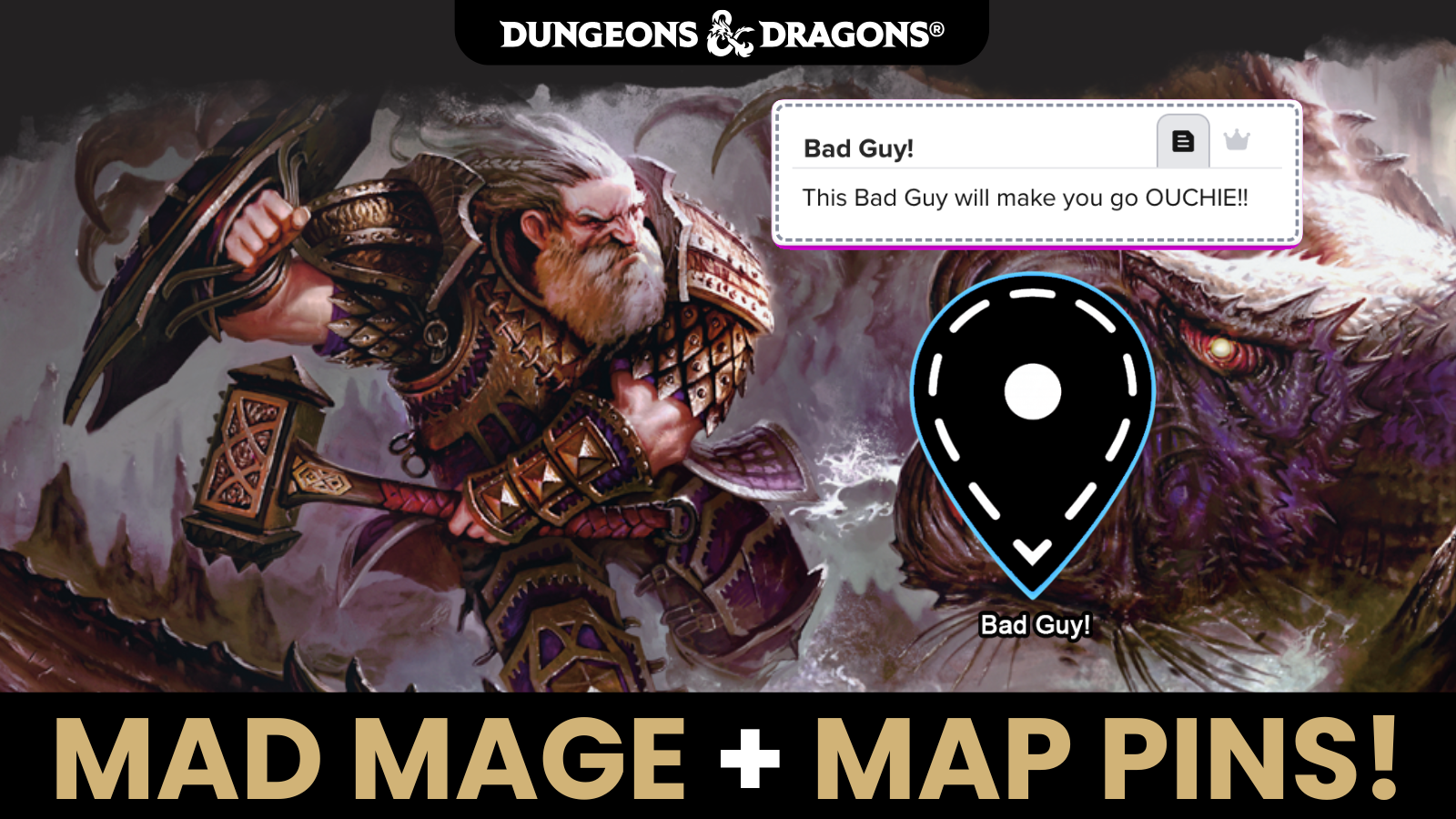

Dungeon of the Mad Mage just got a MAJOR quality-of-life upgrade with Map Pins on Roll20! There’s HUNDREDS of rooms in this adventure, now you never have to search for room text again… it’s right there on the map! See the difference in action.
If you already own it, this update is free!
If you don’t own it, you can try a free demo today!
Want to buy it? The D&D Waterdeep Bundle is 40% off until June 7, 2026! That’s just over $50 for Waterdeep: Dragon Heist, Waterdeep: Dungeon of the Mad Mage, and Sword Coast Adventurer’s Guide together!
Note for current owners
This update is not a patch. Your previous Mad Mage games are completely unaffected. Next time you create a new Dungeon of the Mad Mage game, the new version will install. The new version is an addon (original was a module), so it can also be installed into current games. Here’s a quick installation guide:
Starting a New Game
There are multiple ways to find your content and start your game!
1) Press Play from the product page
2) Create a New Game, and select Dungeon of the Mad Mage Addon from the Your Adventures menu on the right

3) Create a New Game, and select Dungeon of the Mad Mage Addon from the addons dropdown

4) Go to your Shop -> My Items page, find the product under Addons, and click Play!
Now, How to Update your game mid-campaign
There’s two ways!
- One, create a new game with the addon, and then transmogrify (pro feature) your characters and custom entries into that new game. This is the most straightforward method.
- However, if that route doesn’t meet your needs, or don’t have access to transmogrify, here’s another avenue:
Step 1. Back up your campaign first
Before doing anything, create a full backup copy of your campaign. Just to be safe.
Step 2. Make copies of any pages you want to preserve
Go through your campaign and create copies of any pages, handouts, or NPCs where you’ve made changes you want to keep. This includes pages with moved tokens, opened doors, custom lighting, DM notes, edits, or changes to anything. These copies will survive the update untouched. Pages you don’t copy will be overwritten by the new addon version.
Step 3. Import the Dungeon of the Mad Mage addon into your copied game
From your Game Details page, expand the Game Addons section, find Dungeon of the Mad Mage addon, and click Add to Game. One caveat: If you’ve already added manually added Map pins into your game, those might be overwritten by this update. Everything else should be fine.