
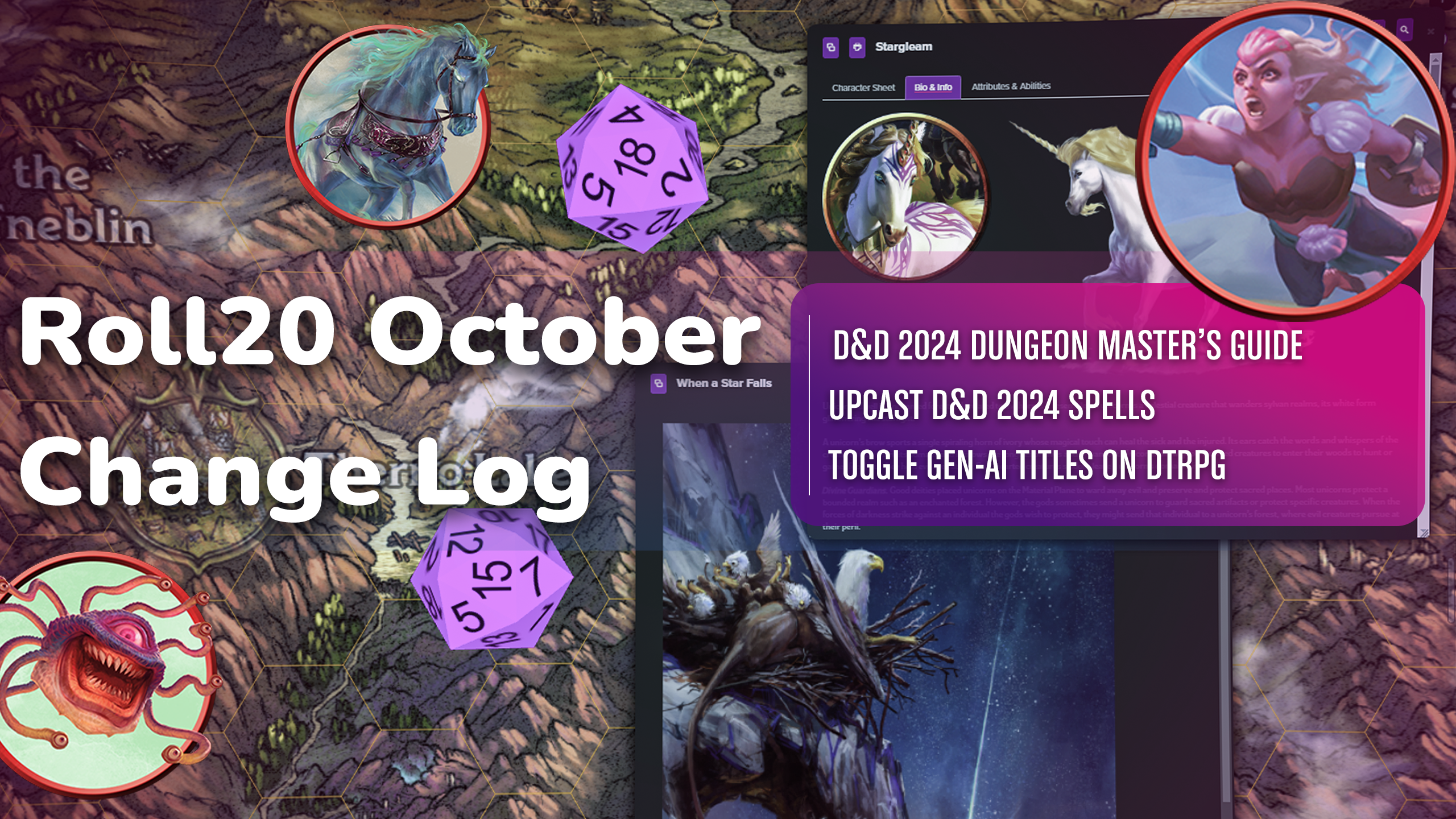

- The Dungeons & Dragons Dungeon Master’s Guide (2024) is here!
- You can now upcast D&D 2024 spells from the Compendium!
- You can now filter out AI-Generated titles on DriveThruRPG!
Keep reading below for more rad October updates or check out our Change Log!

Roll20 Jumpgate
- Players can now view their tokens on top using the “V” keyboard shortcut or enable “Always display controlled tokens on top” in Graphics sections of your Settings.
- Fixed issues include: “send to back” not working for GMs with overlapping tokens, pings appearing behind tokens and darkness, slow connection issues, the measure tool, hex maps, more contrast for scroll bars, and fixed custom particle effects.
- Custom Particle Effects are now activated on maps, and the measure tool can measure without snapping to the grid.
- The scroll speed has been updated, and map backgrounds from previous pages appear on page load.
- A user warning has been added when adding content from a module or addon using the D&D 2014 sheet to a game using the 2024 sheet.
- Performance issues have been addressed, including converting legacy games to Jumpgate games, incorrect diagonal measurements, and issues with the Advanced Dice Roller dropdown.
- The performance improvement addresses slow initial page load and expedites loading of images for journal and library items.
- Hex grids have been updated to be mathematically accurate, and a 2-click UI has been implemented to help users align and scale objects on hex maps when converting from a legacy game to Jumpgate. They also properly render on maps, and size to fit works for hex pages in Jumpgate.
- Page settings have been improved to reflect the number of cells and total pixels when adjusting “cell width,” and user inputs into Page Setting sizing are now limited to 3 decimals.
- Dynamic Lighting shadows have been added to allow optimal performance on lower end machines and certain configurations.
- The performance use case of converting a legacy game to a Jumpgate game has been addressed, and issues with arrow keys, default tokens, token bars, and image quality have been addressed.
- Jumpgate’s FX tool has been upgraded (including a blood splatter effect for Halloween).
- The “My Page” title has been replaced with the user’s current page, and torches have been fixed.
- Other improvements include translations to the VTT Page Folders Menu, a warning for error states when fixing hex maps, and bug fixes for large maps with multiple tokens.
- The “Lighting Texture Resolution” setting has been updated to show token bars and nameplates even at low and medium selection.
- Additionally, a “copy link” button has been added to shareable invite link areas in the Game Screen.
Roll20 General VTT
- GMs can now move the party ribbon by clicking on the desired page and selecting “move party here”.
- Duplicate content in the System Reference Document 2014 and Free Basic Rules 2024 will be hidden by default for players who own the Player’s Handbook 2014.
- The new compendium sidebar has been updated to include filters for monsters by type and spells by school.
- Players can now see shared sources from non-D&D compendiums if the GM has shared them.
- You should now be able to filter search results related to free sources.
- The attributes list now scrolls for the entire modal length.
- Bugs that dragged macros around in the advanced tools modal have been fixed.
- Characters can now be removed from a multisheet game, and filtered-out sources are now properly hidden.
- Users can now create macros with user-created attributes.
- Character data wiping issues have been resolved, and further issues will be addressed.
Roll20 Compendium
- Updates include: redirecting gated content to the correct product, removing next and previous buttons on chapter index pages, launching new category listing pages for Spells, Items, and Monsters for the D&D 5e compendium, and fixing the styling of buttons on the web compendium mobile view.

Roll20 Characters
- The Advanced Tools Modal now has computed attributes right at the start rather than loading in slowly.
- An issue was resolved where users couldn’t enter data in the Bio & Info modal if the roll log was open while viewing a character. This should now work as intended.
Roll20 Sheets
- Several sheets have had problems where sheetworkers in the custom sandbox wouldn’t load reliably. This should be addressed now. If you’re still having problems please let us know.
- Feat details on the D&D 2014 sheet should now be showing the right prerequisite information and operate properly on the character sheet and in the builder.
Dungeons & Dragons Character Sheet & Builder
- A bug was fixed that previously prevented selected macros targeting a token from functioning correctly with the new D&D 2024 character sheet.
- Display issues caused by exhaustion on the character sheet were also addressed.
- Additionally, errors that hindered damage rolls with effects and rolls without dice values from chat were corrected.
- Users can now upcast 2024 spells from the compendium, although a known issue persists with spells that have multiple attacks not prompting for upcasting, which is being resolved. Upcasting for legacy spells is also on the way.
- Layout updates to the Spells Tab of the PC sheet were made, including reduced spacing and renaming of different views.
- New condition and damage defense types for PCs and NPCs were added, enhancing defined condition immunities.
- Users can now drag and drop proficiencies and create or edit recovery details for various resources.
- Modifiers for ability checks, skills, and saves from the 2014 PHB will apply when items are dragged to the character sheet.
- Erased bugs include issues with the display of attributes on Roll20 Characters, problems with automated level-up and equipment choices, and various bugs affecting the roll mechanics for NPCs and their spells.
- Additional functionalities now allow dragging and dropping feats onto the character sheet, linking AC to token bars, and updating the sheet with hit dice and spell slot data.
- Other updates include the ability to track character’s Bastions via a new tracker, changing NPC sheets to a more compact view based on user feedback, and allowing for user-friendly navigation in the character builder.
- D&D 2024 features have been implemented, enabling smoother functionality for classes and interactions.
- Several critical bugs related to resources, class features, and the character builder interface were resolved to enhance overall user experience.

Demiplane
- We’re addressing fixes across our NEXUSes.
- Platform updates include: shareable character defaults, improved loading, and we’ve fixed issues in various RPGs like Alien RPG and Pathfinder, ensuring smoother gameplay experiences.
- Vampire: the Masquerade updates include antagonist additions and fixed pregens.
- Improvements to caches will enhance load times.
DriveThruRPG
- The team worked to improve the speed of the site, and reduce the amount of time customers spent waiting for data to load. Through those efficiency gains, the new site loads twice as fast as it did previously.
- Product bestseller medals were not showing for titles if they had earned that medal on a sister site; this has been corrected.
- Customers have a new tool that allows them to toggle off all titles on the site that have been self-reported as AI-Generated by publishers, as they can for Adult titles.
- Don’t miss out on deals: you can now receive email alerts when your wishlist items go on sale!
Check out the Change Log for all updates!
Thank you for your continued support and feedback as we strive to make your Roll20 experience even better. Stay tuned for next month’s updates!