

💫 We’ve improved spell list performance in the D&D 5E level up Charactermancer, most noticeable to our wizards who have access to hundreds of spells.
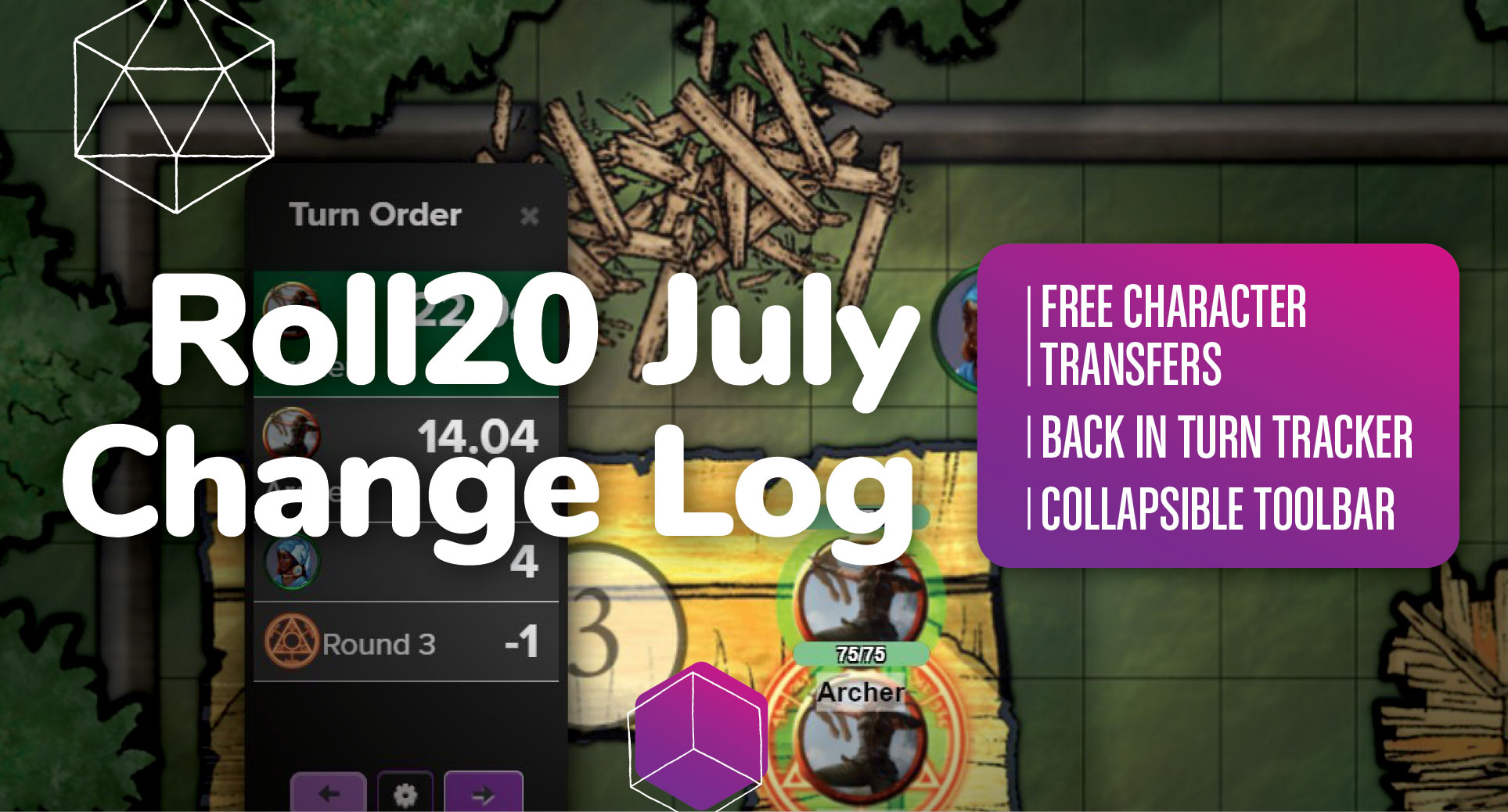
➕ We’ve added three free character transfers for everyone in the Character Vault.
📍 You can now ping the map via the right-click context menu. You can also do a focus ping which moves every player’s camera to the same spot. Both are accessible via a “long press” on mobile and tablet.
🔘 We added a button to collapse the redesigned Toolbar and give you more page space based on your feedback. It’s collapsed on small screens (phones) by default.
🔙 You can now go backwards in the Turn Tracker.
Keep reading below for more rad July updates or check out our Change Log!

VTT Improvements
Locked down the movement of Doors and Windows so that they can only be moved on the Dynamic Lighting Layer
Updated the colors that everyone is assigned when they join a game
Updated the Zoom slider so that now you can also have access to the Zoom to Fit option
Links in the VTT chat are now styled
Reduced the size of the redesigned Toolbar
Improved the redesigned Toolbar Layer flyout so that it doesn’t overlap the names and pictures at the bottom
Now Dynamic Lighting will work for epic battles with 64+ tokens on a map
Added the ability to pan while measuring by using the right-click or the middle mouse button
General performance improvements while dragging tokens
VTT Bug Fixes
Ctrl + Click for Macs is now working as expected on both the new Toolbar and the old Toolbar
Users on a tablet can long press and ping the map
The shortcut for previewing as a token now works for free users
Layer menu no longer displays below the names and avatar images
Fixed a bug where the measure tool would highlight when typing in text areas when using advanced shortcuts
Layer drawer on the redesigned Toolbar now collapses correctly
Fixed an issue where you could not undo pasting a token
Links in the chat log now open in a new tab
Fixed a bug where tokens will reappear after being deleted or move unexpectedly when the character sheet is updated

Character Sheet Updates
D&D 5E
Fixed a bug on the D&D 5e character sheet where some classes were getting the wrong number of spell slots
Pathfinder 2E
Fixed a bug where light items stowed within the capacity of a backpack were incorrectly affecting total bulk calculation
Corrected formatting of feats requiring checks/saves to display in proper CS-S-F-CF order
Removed Extraneous ‘Save’ label from success/failure descriptions
Fixed an issue causing innate spells gained from improved feats & the minimancers to drop with 1/1 daily uses instead of the intended value
Pulp Cthulhu
Corrected display for ‘Language (own)’ skill on the NPC sheet
Language Own will now only initialize when there is a score in education
Updates made to make the visibility of skills smarter on both the PC & NPC sheet
Fixed a bug where some weapons descriptions were not appearing in the possessions tab after dragging & dropping

General Updates
Fixed an issue that was causing text in many areas of roll20.net to appear improperly bold
DriveThruRPG.com Updates
Released updates to the checkout process to match searching and browsing
Customers can now search, browse, add to cart, and checkout in the revamped version
The new user interface is opt in, and available by by visiting preview.drivethrurpg.com
Check out the Change Log for all updates!
Thank you for your continued support and feedback as we strive to make your Roll20 experience even better. Stay tuned for next month’s updates!