
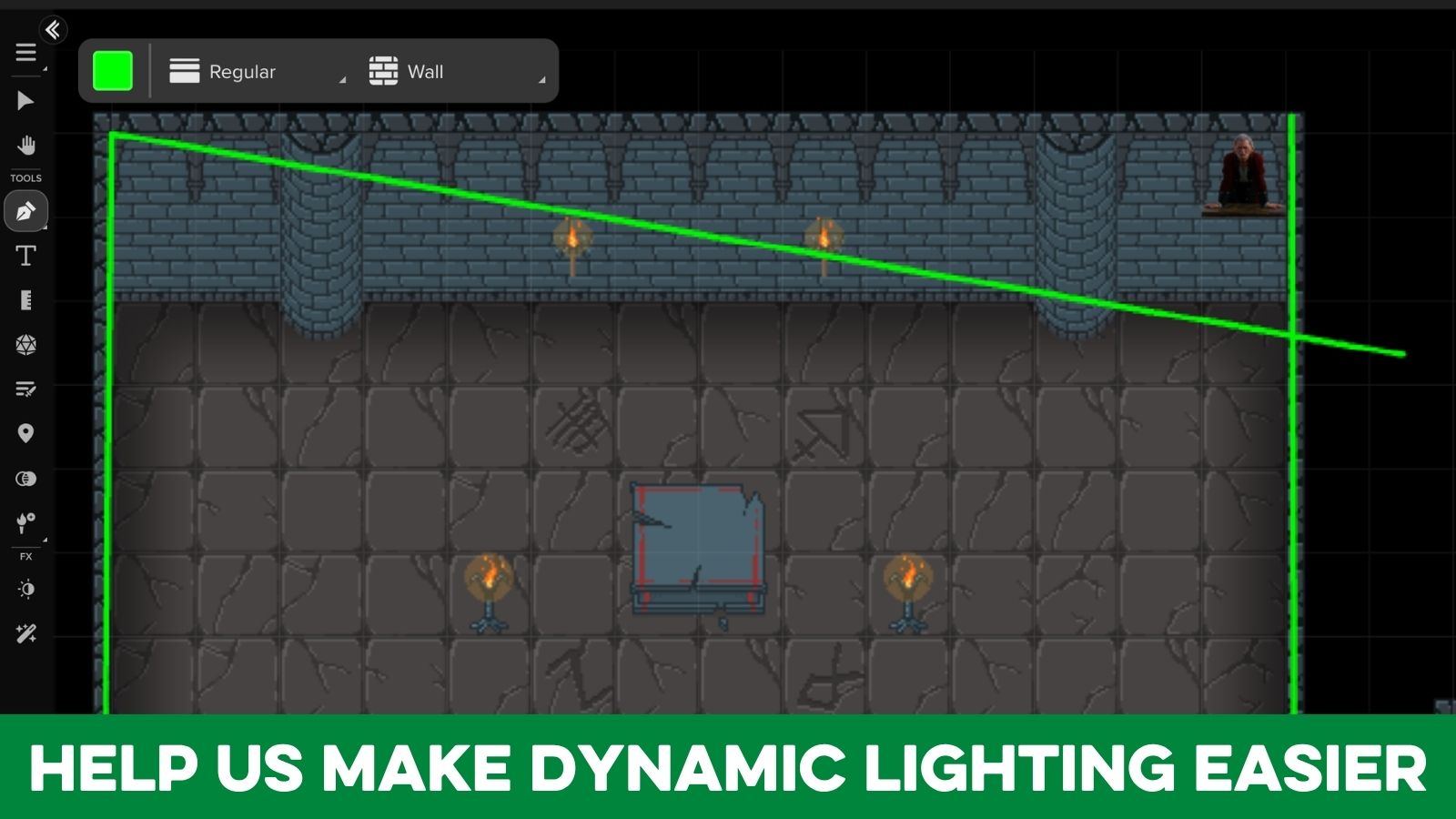

Hello, this is Lavi from our VTT product team! I’m really excited to share a feature we’re working on that will make it easier to draw, manage, and trust dynamic lighting on Roll20!
Earlier this year, we took our first foray into Auto-Detected Dynamic Lighting with UVTT import. This lets you quickly build maps in tools like Dungeon Scrawl, and import them into Roll20. Those maps will automatically have dynamic lighting, doors, and light sources set up, which is an ENORMOUS time saver!

Now we’re turning our attention to the native usability of Roll20’s Dynamic Lighting by addressing many of the friction points GMs experience.
Current Challenges with Dynamic Lighting
The current process to draw Dynamic Lighting lines from scratch is clunky and often requires too many do-overs. When tracing a room’s perimeter, for example, if even one point is off, you need to delete the entire barrier and redraw it from scratch. If you’re 10 clicks into drawing, you probably feel some “Don’t mess this up!!!” anxiety. Lining up doors and windows against an existing wall is also a bit too demanding. We just don’t offer many modern controls over our lines.

It’s not just the drawing itself. As a newbie to Roll20 myself about 5 years ago, it took me several hours to get a handle on all of the different components needed to set up Dynamic Lighting on a map. It requires knowing (and remembering!) to use the Dynamic Lighting layer and moving between a handful of separate tools: drawing walls, placing lights or doors or windows, turning on Dynamic Lighting settings, turning on player vision, and then previewing or troubleshooting what a player will actually see. Each of these tools currently live in a different place, and figuring out how they fit together is one of the biggest challenges for anyone setting up their first (or twentieth!) map. Our own internal Content Conversion team feels this too, since they’re doing this kind of setup constantly.
This isn’t just a hunch. In our survey data, the majority of surveyed GMs told us that setting up a Dynamic Lighting map takes too long and is unintuitive. We want Dynamic Lighting to be a tool you can trust and move quickly with, so you can get to the fun parts of creating and playing.
Upgrades we’re Currently Exploring
Editable lines
Right now, a Dynamic Lighting barrier is only movable as a single object. Once it’s placed, you can’t adjust it. We’re looking at:
- Precision editing: Grab a single vertex on a wall and move it, instead of deleting and redrawing the whole path to fix one corner.
- Per-segment editing: Adjust or remove one section of a barrier without disturbing the rest of the shape it’s attached to.
- Splitting and combining: Snapping and unsnapping points together to combine sections or creating a break without starting over.
The goal for fixing a wall is to feel like editing a shape in a modern design tool instead of rebuilding a whole traced shape.
A Dynamic Lighting hotbar
We received really positive feedback on a dedicated Map Layer Hotbar that we introduced in August. Now, we are excited to extend a similar hotbar concept for the Dynamic Lighting Layer which will bring all relevant tools together in one place: drawing barriers, placing lights and torches, adding doors and windows, and (hopefully) enabling player vision. We are aiming to provide a more guided path from a blank page to a finished setup, along with easier ways to preview and troubleshoot what players will see as you build.
We’re still early in design and prototyping work, and what we ultimately release may look different from what’s described above as we test it internally and with our users.
We’d love your input
If you’re interested in early thinking or providing your feedback and input directly to the team, please join our Discord Lab Sessions. We’ll be hosting one for Dynamic Lighting in the upcoming weeks. Join our Community Discord to catch the next one and see where this is headed.
More to come as this takes shape!
Join Discord To Attend future Lab Sessions!